Digitize old family albums
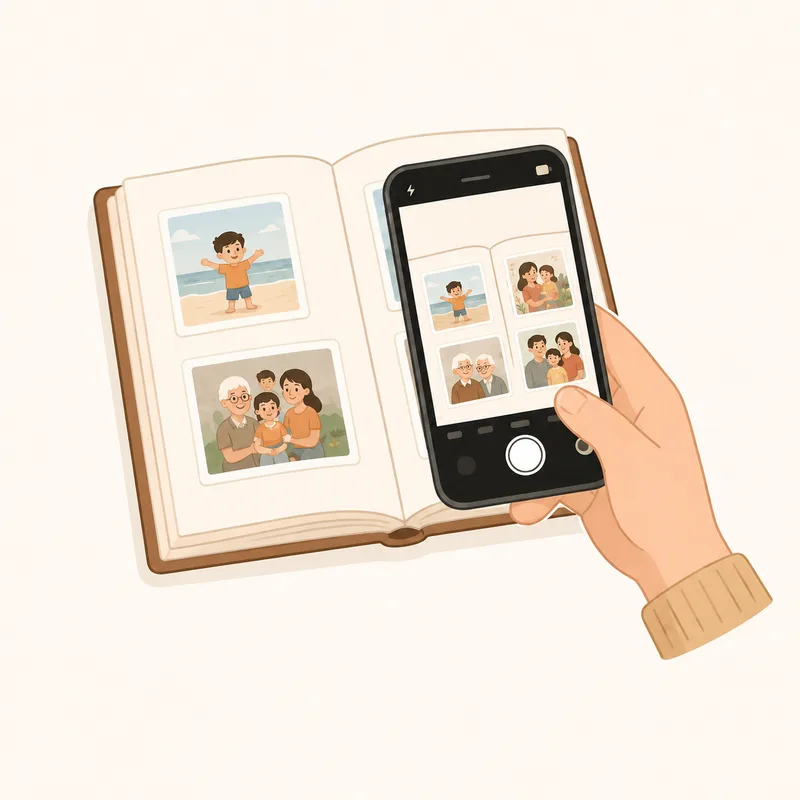
Snap the album. We build the digital version.
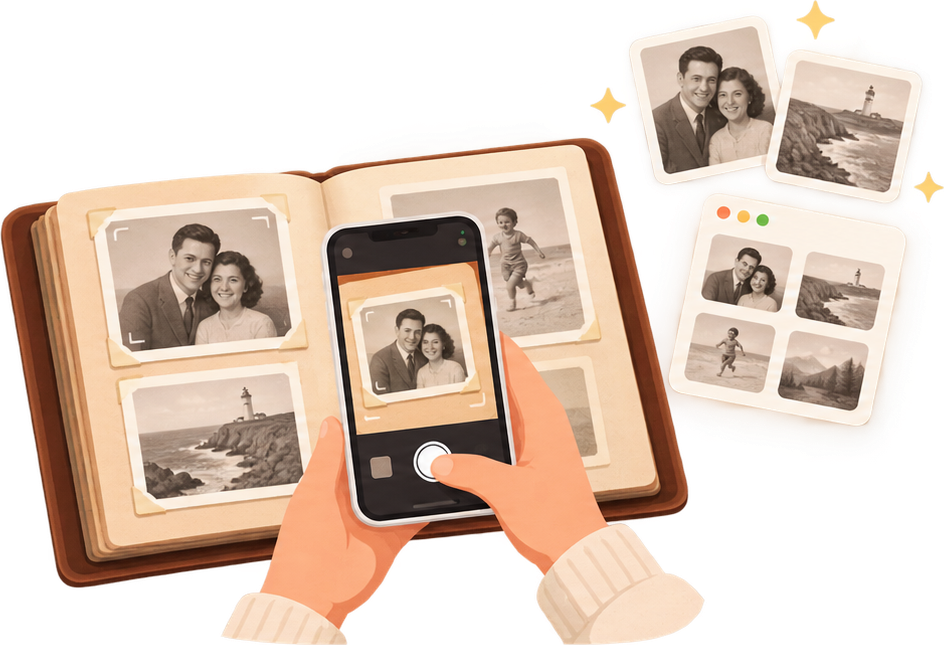
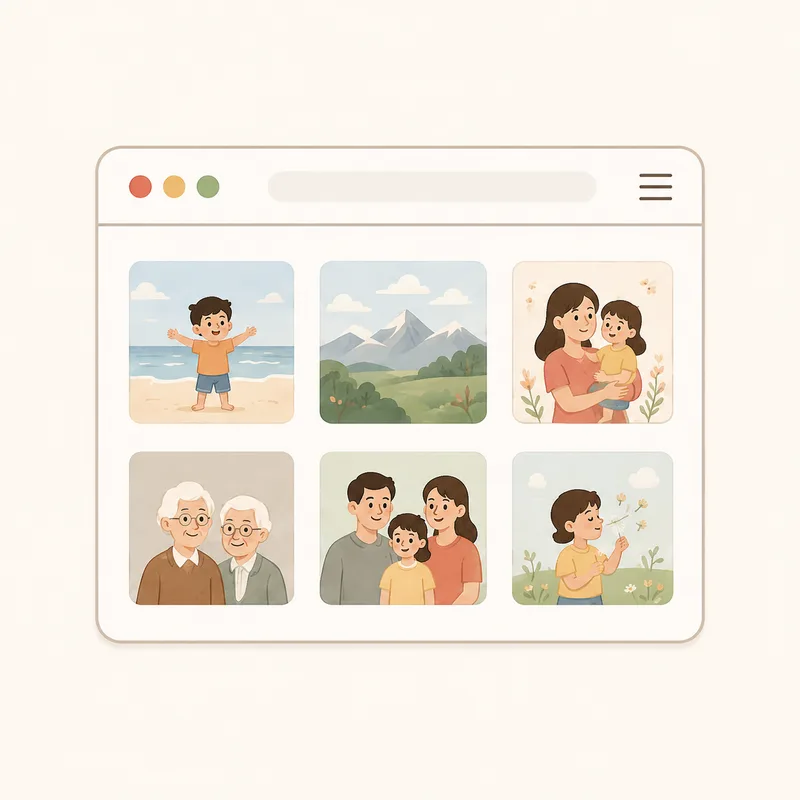
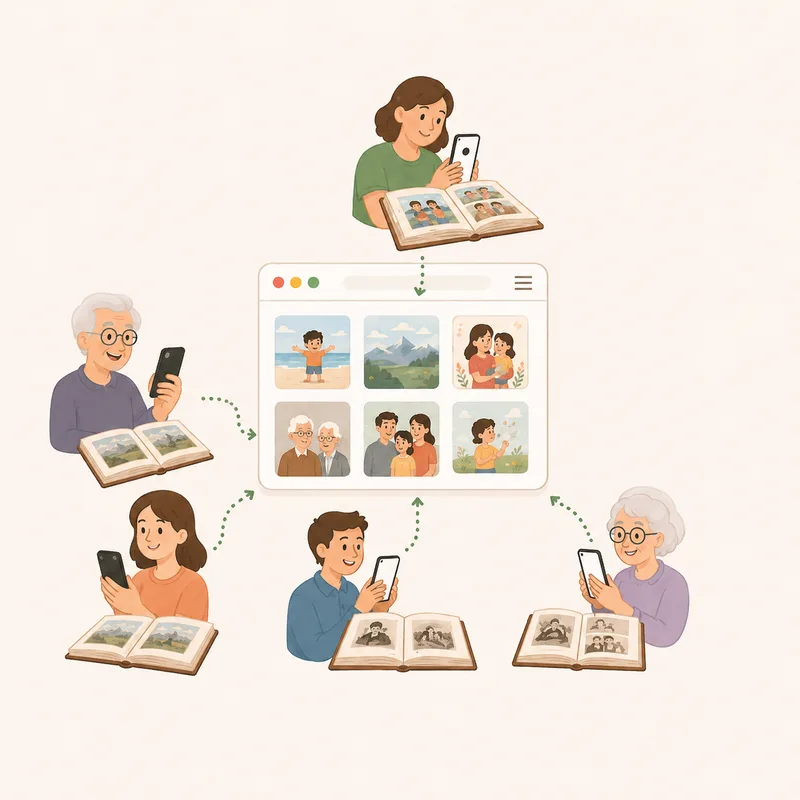
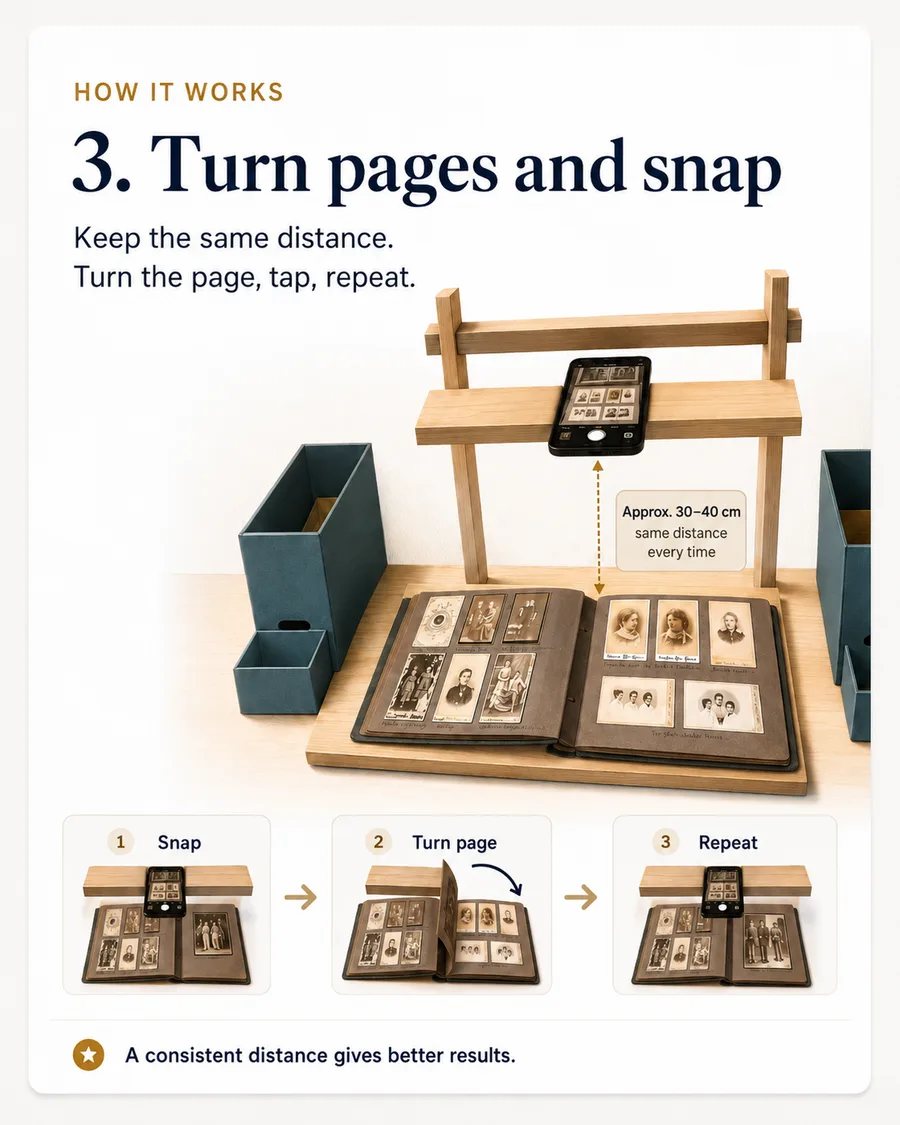
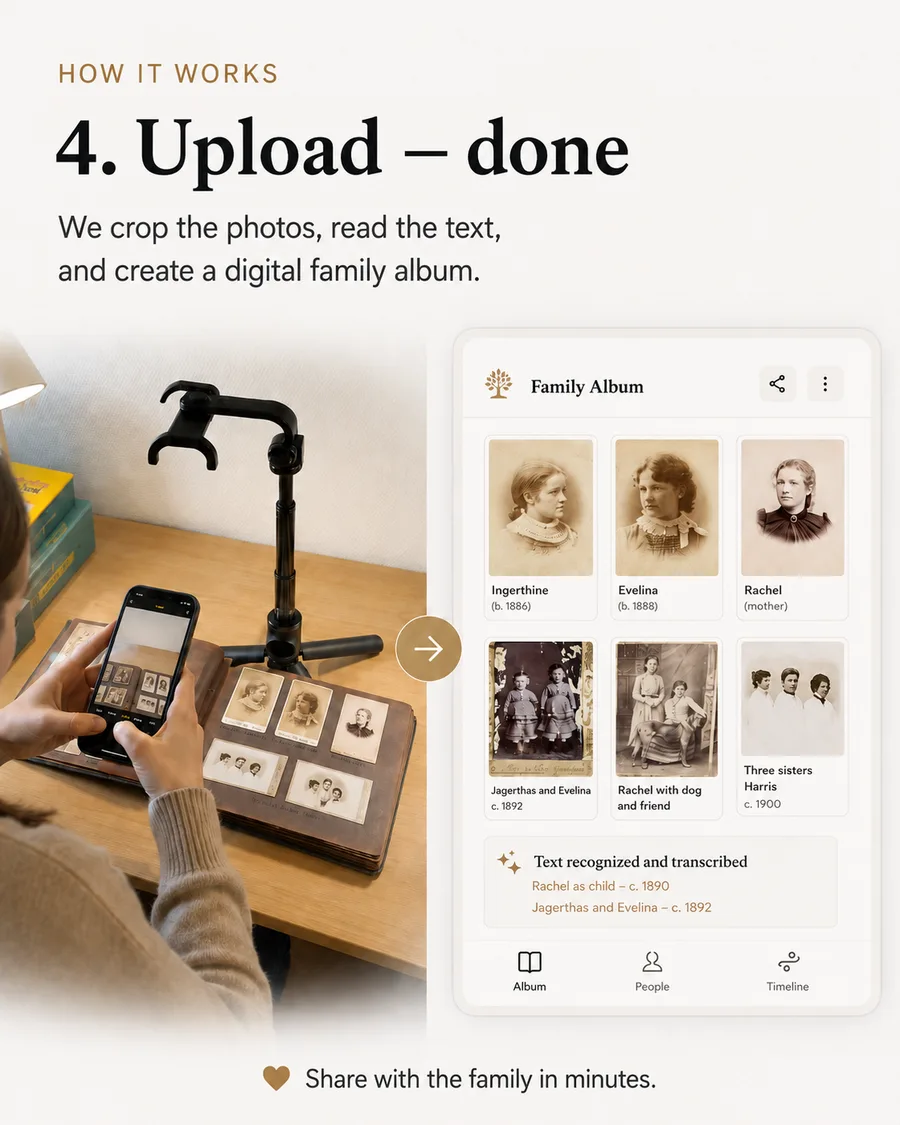
Photograph each page with your phone. We crop every picture, read handwritten dates and captions, and create a chronological album your family can browse online or download as their copy.
No scanner neededOriginals always keptPrivate family sharing
Pricing
Pay once to digitize. Subscribe to keep it alive.
The AI work of digitizing an album happens once — so Pro is a one-time price. Keeping the family album hosted, shared, and growing over time is ongoing — so Premium is a subscription.
Free
$020 pages, across all your albums (roughly one small album)
Try it — the full pipeline on as many separate albums as you like, no card required.
- AI photo detection & dates
- Chronological web album
- Create as many albums as you want
- Private link, invite-only or email-code sharing
- Family comments
- 30-day hosting
- 🔒Download originals & crops
- 🔒Let family members edit captions & dates
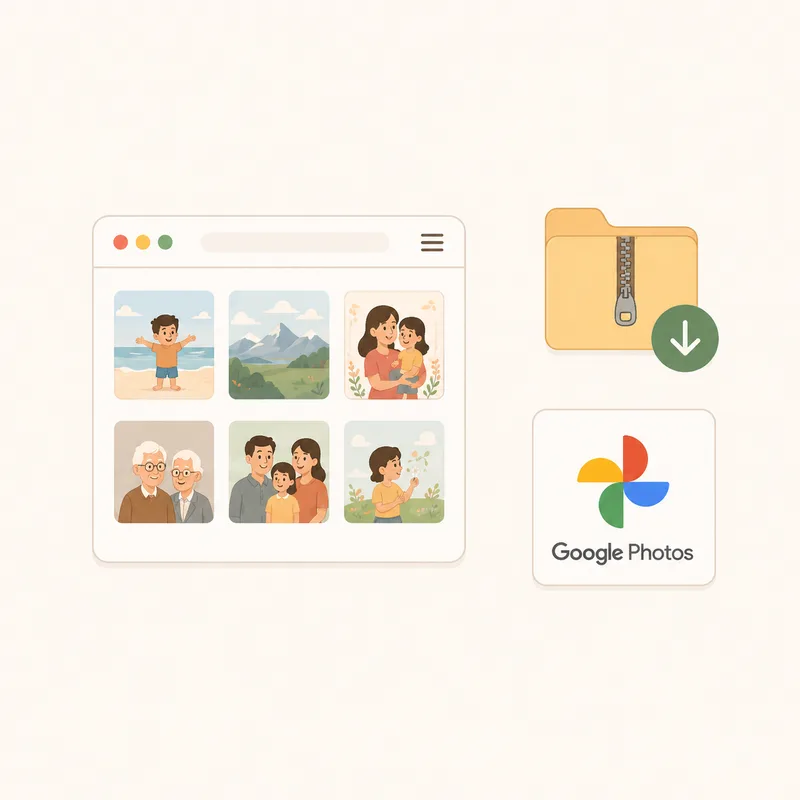
- 🔒Google Photos export
Pro
Most popular$29one-time — best for one-time digitizing
Digitize & download — a larger collection, everything downloadable, and your finished album kept online for a while.
- 200 pages to start, shared across all your albums (roughly 8-10 albums)
- 8 GB storage to start
- 3 months of hosting included
- Download originals & crops
- Google Photos export
- Edit captions & dates — family can help correct them
- Buy more 200-page / 8GB packs any time — $29 each, no subscription
One-time payment. No subscription.
Want to keep it online longer, or let family upload their own albums? Upgrade to Premium any time — from $6/month.
Premium
$59/year — best for families
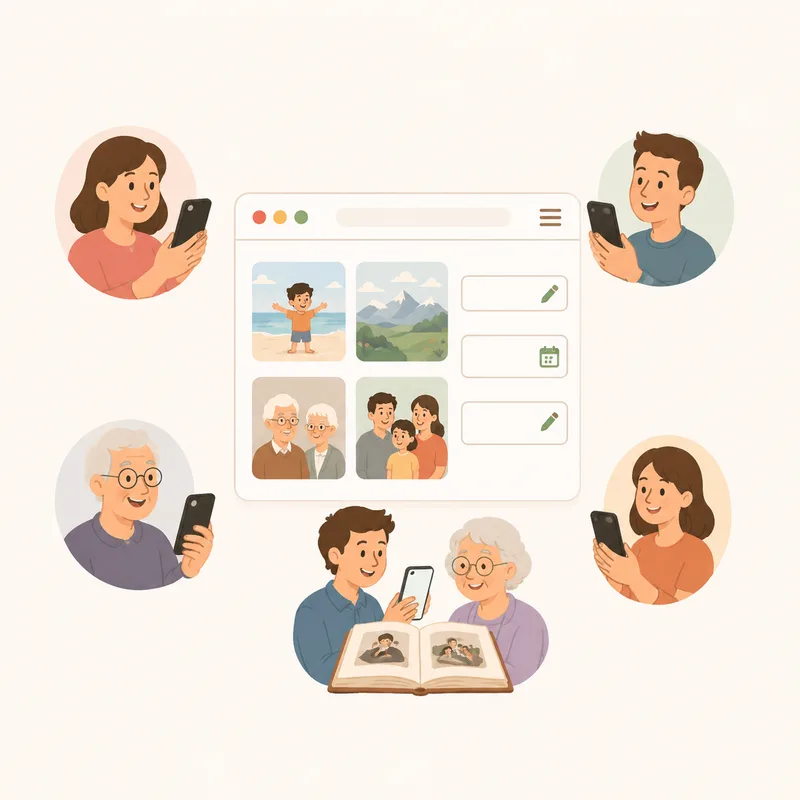
Keep the family archive online — a living archive that everyone can help build.
- 500 pages included (roughly 20-25 albums)
- 20 GB storage
- Hosting for as long as you subscribe
- Invite family members to upload their own albums
- Family editing, comments and collaboration
- Everything in Pro
- Buy more 200-page / 8GB packs any time — $19 each, cheaper than Pro
Renews yearly — cancel any time before your next renewal.
Locked features are visible on every plan’s admin page — upgrade any time to unlock them, your album stays exactly as it is.
What you get
One page in, five photos outA single photographed spread often holds several mounted prints — each comes out as its own photo.Sorted the moment you uploadDates read from captions place every photo in the right order automatically.A link, not a loginFamily can browse the finished album without creating an account. Tips & tricks
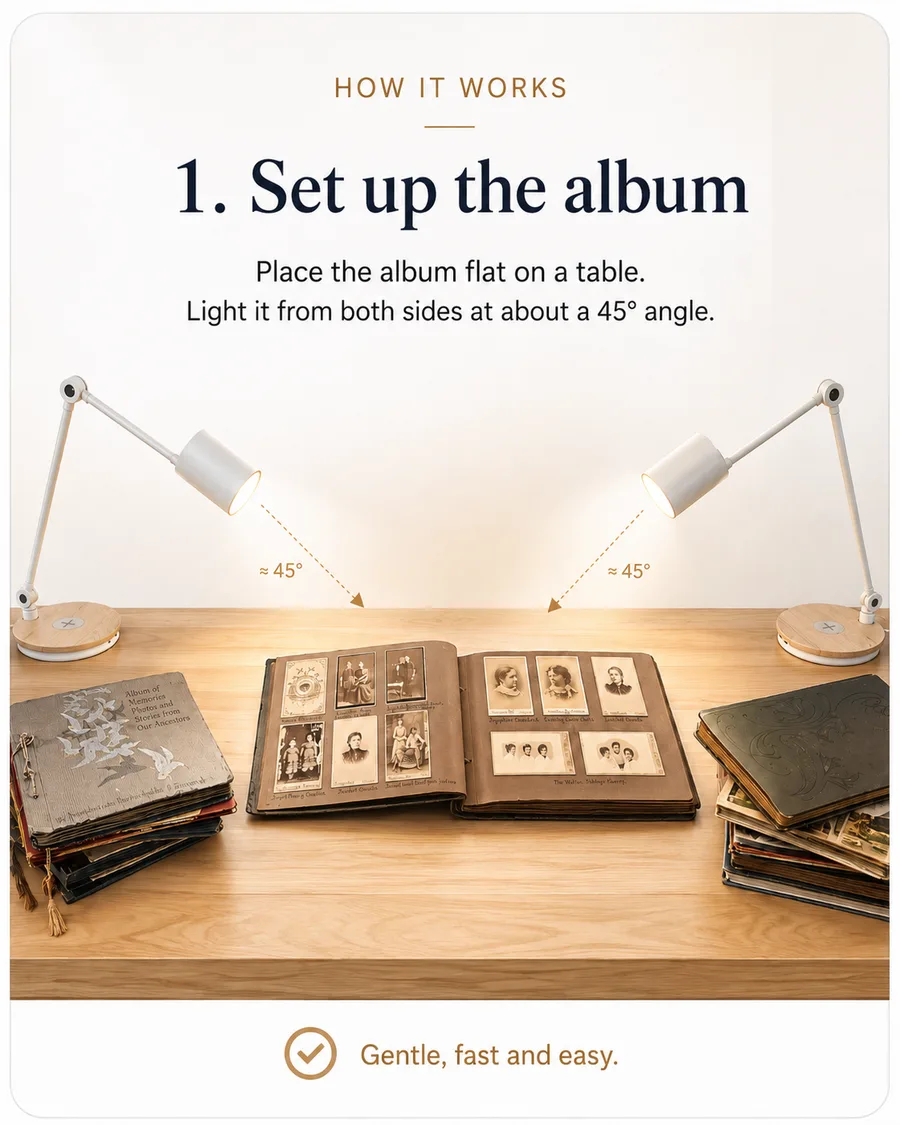
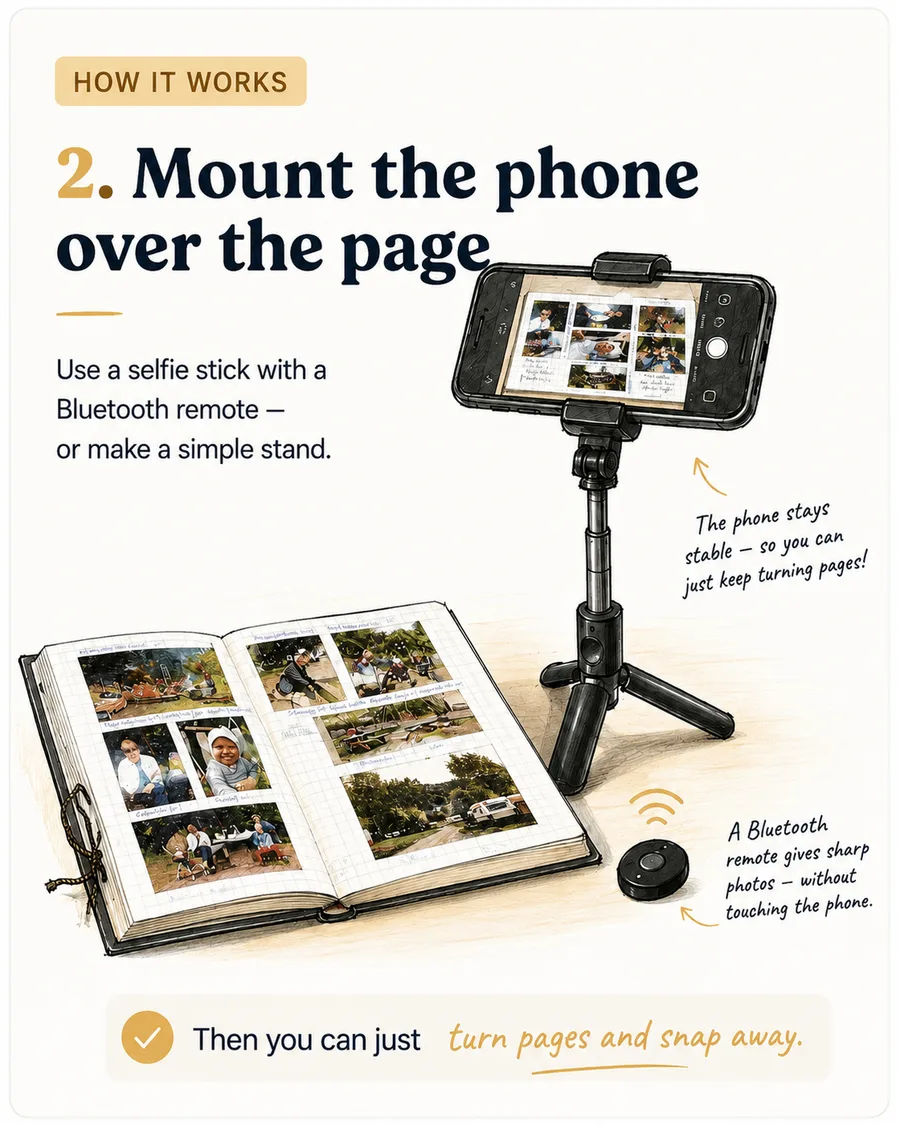
Getting a clean shot — no scanner needed.
Not a strict recipe — just what makes photographing an album faster.
What Scanalbum does
Built specifically for old photo albums.
AI photo detectionFinds and crops every individual photo from a photographed album page or spread, straightened and ready to view.
Dates read automaticallyHandwritten captions and years are read from the page. An undated page inherits the date from the last page that had one — photograph pages in order and dates carry forward correctly.
Chronological by defaultEvery photo lands in date order automatically, oldest to newest, with the original page a click away.
Originals always keptThe full, unedited photo of every album page is preserved — nothing is discarded, only copied and cropped.
Correct file dates, not just on-screenWhen we crop a photo, we write the real date into the image file itself — so it sorts correctly if you later download it or import it into Google Photos.
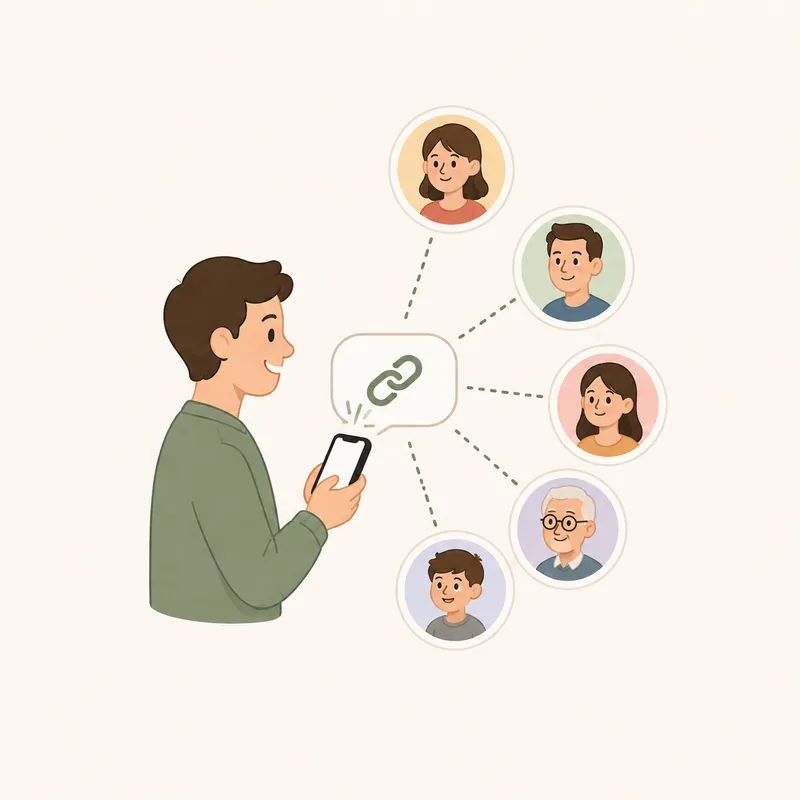
Share with a private linkOne link for the whole family. Add an email-code check for extra privacy so the link can't be casually forwarded.
See it in action
Browse a sample album.
A synthetic demo album — illustrated placeholders standing in for real photos — showing exactly how a finished Scanalbum album works: sorted chronologically, dates and captions on every photo, and a link back to the original page.
How good does my phone need to be?
Any phone from the last several years is fine. Even lighting matters more than camera quality — our AI does the rest.
Can I photograph several photos at once?
Yes — that's the point. Photograph a whole album page or spread, and each mounted photo on it is found and cropped out individually.
Are original album pages kept?
Always. The full, unedited photo of every page is preserved and stays a click away from the photos cropped from it.
Can family members comment?
Yes — they register a first name, last name, and email once, and can then comment on any photo. You decide whether they can also edit captions and dates.
Can I download everything later?
Yes, any time on Pro or Premium — every original page and every cropped photo, as a single download.
Ready when you are
Your family photos shouldn’t stay hidden in an album.
Photograph a few pages and see what Scanalbum can do.
 Scanalbum